Why stock stops matching
Most of the time stock is not stolen, it just never got recorded. Goods came in but were not entered, a return was not put back, damaged items were not written off. Each small gap becomes a big mismatch by month end.
Seven rules for accurate stock
- Check the delivery against the invoice and enter it the day it arrives, not later.
- Count every colour and size separately, not just the total.
- When stock drops without a sale (damage, theft, personal use), record it with the reason, or your profit figures will be wrong too.
- Put customer returns back into stock straight away.
- If you have a godown, keep shop and godown stock separate.
- Set a minimum level for each item and reorder as soon as it falls below.
- Instead of counting the whole shop in one day, count one shelf or category each week.
An easier way to count
Closing the shop once a year to count everything is exhausting and full of mistakes. Count one category a week instead, compare it with the book or software, and chase every difference. In two or three months the whole shop has been counted once, and mismatches are caught early. Scanning barcodes at the counter also stops the wrong item being taken off stock: which scanner to buy.
Stock in Nodibyte
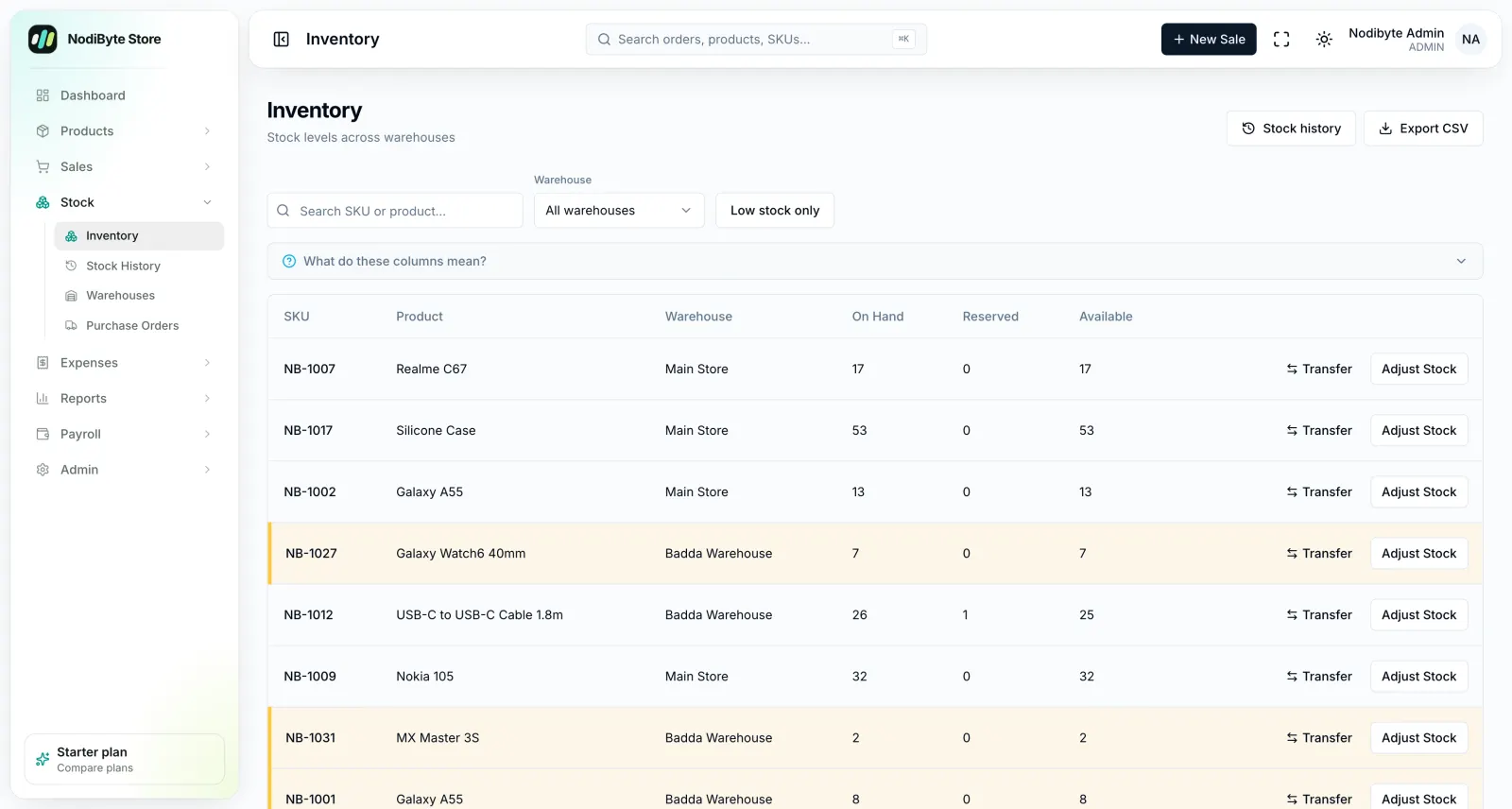
Every sale reduces stock as it happens, so nothing needs copying into a book.
- Separate SKU and stock for every colour and size
- Low-stock threshold you set, with alerts before you run out (Starter and up)
- Stock adjustments need a reason, with who and when on record
- Confirming an order reserves stock, so two cashiers cannot sell the same last unit
- Multiple godowns with separate stock levels (Pro plan)
- Returns go back into stock when received
How to start
Enter or import your product list once, then count and set opening stock. The Lite plan is ৳999 a month, free for 14 days.
Questions people ask
How often should I count my shop’s stock?
Count one shelf or category each week. In two or three months the whole shop has been counted once, without closing for a day.
How do I know before something runs out?
Set a minimum level for each item. In Nodibyte you get an alert as soon as stock falls below it (Starter and up).
Can I keep shop and godown stock separate?
Yes. The Nodibyte Pro plan has multiple godowns, each with its own stock levels.